Quick Tap
Loading Quick Tap…
Quick Tap
LoadingPreparing game assets…
Quick Tap
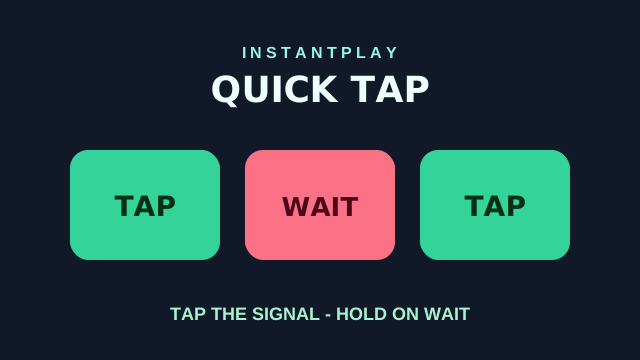
Prompts flash one after another. Tap the instant you see TAP. When the screen says WAIT, do nothing. Fake signals and shorter gaps test your attention. Play free in your browser on InstantPlay — no download required.
How to play
- Press Start.
- Tap the moment the screen says TAP.
- Leave the screen alone when it says WAIT.
- Ten prompts. Three lives.
Controls
- Keyboard: Press Space or Enter when it says TAP
- Mouse: Click when it says TAP
- Touch: Tap when it says TAP
Tips
- Read the word and the icon together. A big red screen can still say TAP.
About playing Quick Tap
- How do you play Quick Tap?
- Tap as soon as the screen shows a check and the word TAP. When it shows a cross and WAIT, do nothing until it leaves. Color is only a hint.
- Why do some prompts feel like traps?
- Later rounds mix in more WAIT signals and shorter gaps. Tapping a WAIT costs a life. Letting it expire scores a hold. Revive retries the failed prompt.
- Is Quick Tap free to play online?
- Yes. Play Quick Tap free on InstantPlay with no download and no account. It runs in your browser on desktop and mobile.
- How long does a Quick Tap round take?
- Most sessions last about 1–2 min. It is a medium tests game designed for quick casual play.
- Can I play Quick Tap on my phone?
- Yes. Quick Tap is an HTML5 browser game with touch-friendly controls. Open the page and tap Start — no app install needed.